Source: https://techcommunity.microsoft.com/t5/Microsoft-Teams-Blog/Product-Videos-To-get-you-started/ba-p/26247
Product Videos: To get you started!
Check out these how-to videos to get started with Microsoft Teams!
Product Tour: https://youtu.be/bhIzp2tFXYQ
Summary: Take a quick tour of Microsoft Teams.
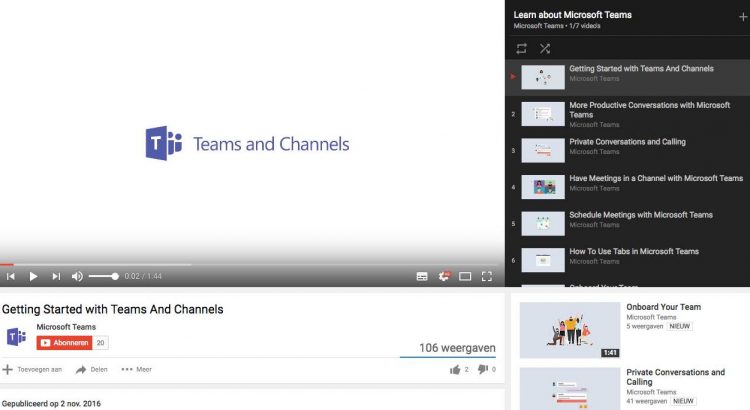
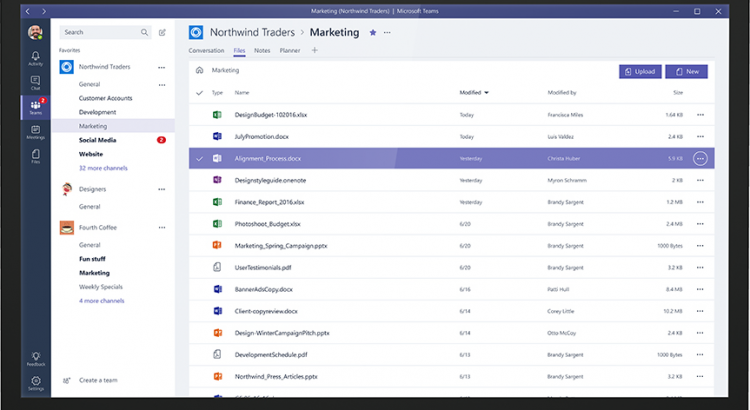
Teams and Channels: https://youtu.be/kyXzlnLNLB
Summary: Learn how teams can bring together all the right people, communications, files, and tools.
Using Tabs: https://youtu.be/mM_iGhuad38
Summary: Learn how to add tabs to different channels and chats that will allow your team to connect to other apps, hold conversations about different files, generate instant analytics, and more.
Productive Conversations: https://youtu.be/4guKy0jyFrk
Summary: Get some quick tips on how to have productive and targeted team conversations.
Private Chat and Calling: https://youtu.be/239yow7v2cU
Summary: Get all the information you need to make private calls or chat privately with teammates, from focused one-on-one conversations or as a group.
Meet Now: https://youtu.be/7k2omzTVexs
Summary: From a channel, go live together with video, screen sharing, and relevant content.
Onboard Your Team: https://youtu.be/LTHxsPmc8Wc
Summary: Learn how to get your team up and running so you can start collaborating and creating!
Scheduled Meetings: https://youtu.be/bDTTfP7RJ48
Summary: Find out everything you need to know about scheduling and organizing meetings in Microsoft Teams, from viewing all your appointments at once to how to join a meeting once you’ve accepted an invite!
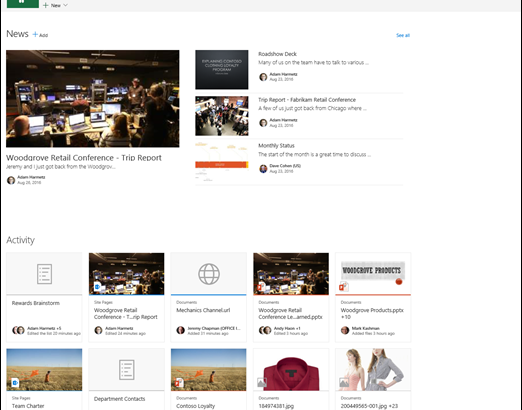

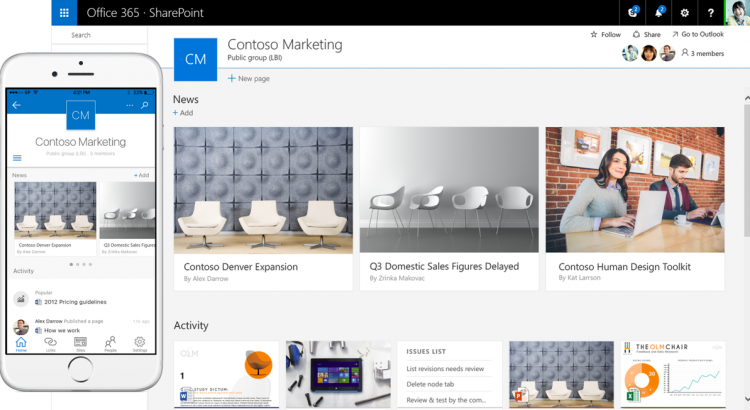
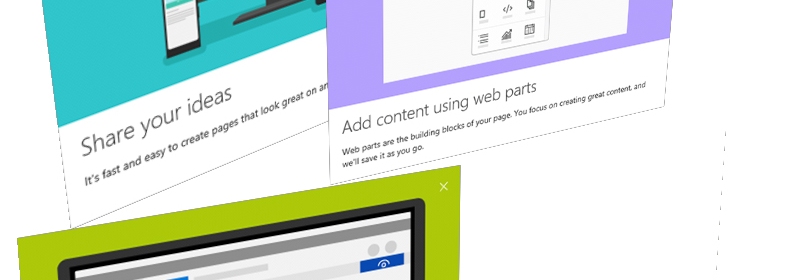 In Office 365, you may notice that there are more new things rolling out right now. This post is all about the new page editing experience and new web parts. Here’s what I’ll cover: