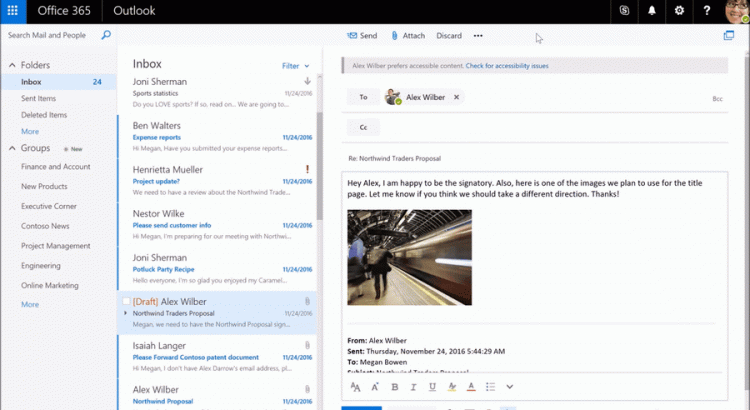
https://blogs.office.com/2016/12/20/new-to-office-365-in-december-accessibility-updates-and-more/?utm_source=t.co&utm_medium=referral
Auteur: Marcel
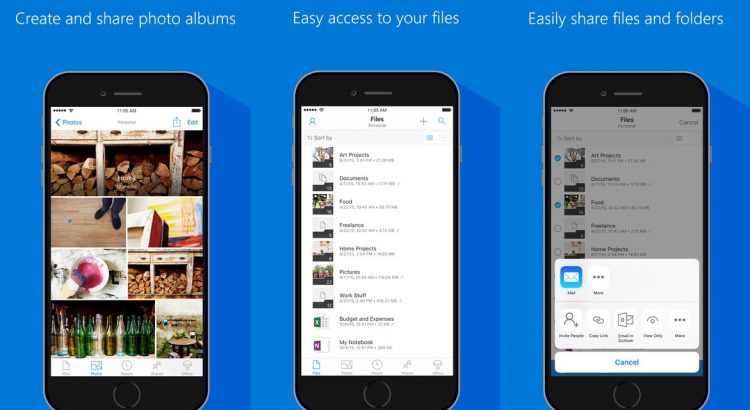
OneDrive iOS app updated with file previewers, Office Lens features and more
https://mspoweruser.com/onedrive-ios-app-updated-with-office-file-previewers-office-lens-features-and-more/
Download the app here from App Store and give it a try.
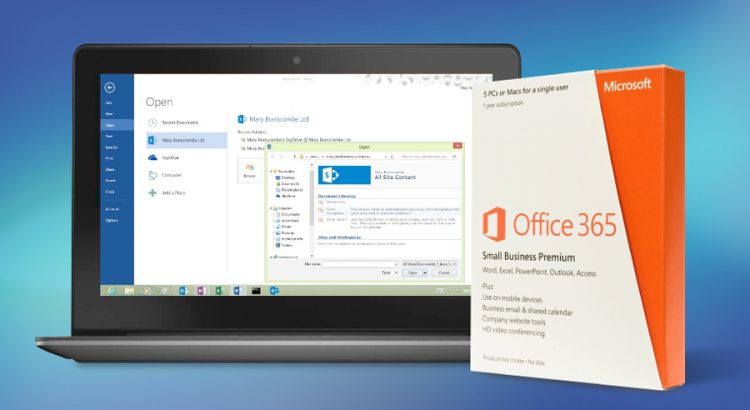
Microsoft’s Office 365 is twice as popular as Google’s G Suite
http://www.techradar.com/news/microsofts-office-365-is-twice-as-popular-as-googles-g-suite
Bitglass also looked at which countries in Europe had the biggest percentage of companies that had adopted cloud productivity apps, with France top of the rankings on 82%, followed by the Netherlands on 78%.
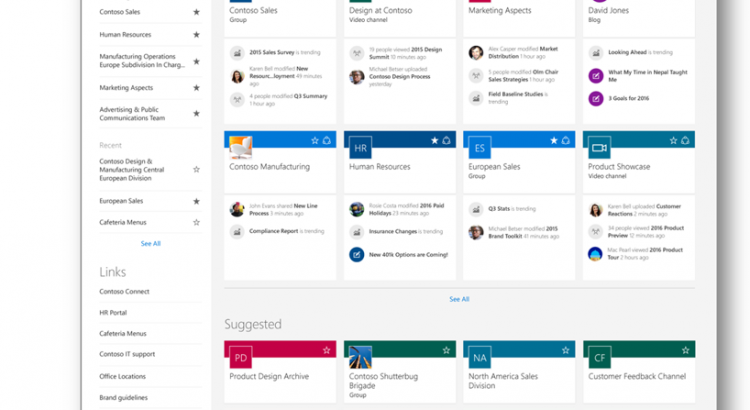
Overview: best practices for managing how people use your team site
If you’re a team site owner, it’s a good idea to create a governance model – that is, a model to address your site’s policies, processes, roles, and responsibilities. A model like this will help you control how people use your site. For example, you might want to require check-out of files so that multiple people don’t try to edit a file at the same time. Or, you may want to allow only certain people to create subsites. This article gives an overview of ideas and best practices to think about when creating such a model.
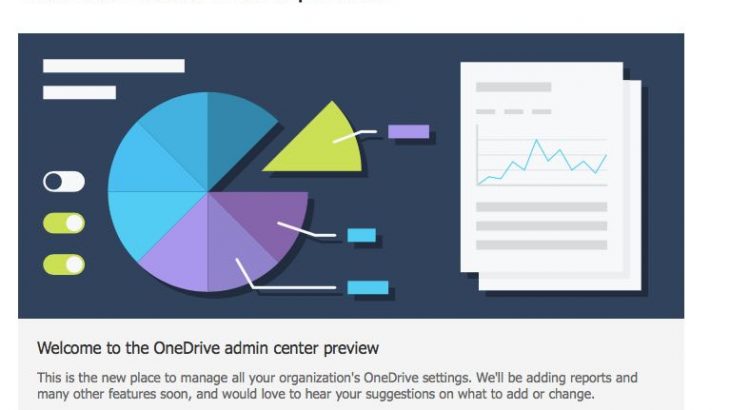
Announcement: New OneDrive Admin Center Preview
Over the past year, OneDrive has evolved at a rapid pace introducing new features for end users and IT, across sync, web, and mobile. As the number of users and usage continues to grow, our customers have asked for an easier way to administer their company OneDrive settings and policies. Today, we’re excited to announce the rollout of the OneDrive admin center preview to First Release customers and we want to hear your feedback.
Once deployed to your tenant, all tenant and SharePoint admins will have permissions to access the OneDrive admin center preview at https://admin.onedrive.com.
Key features by section include:
- Home: This is the dashboard for the admin center and will soon show recent Office 365 Message Center posts and usage reporting related to OneDrive for Business.
- Sharing: This section helps admins gain control over how and with whom your users are sharing information. This includes controlling the use of external sharing and anonymous links, as well as limiting which external domains users can share with.
- Sync: Admins can block syncing of specific file types and deny syncing to non-domain joined PCs.
- Storage: This section allows admins to easily set default storage limits and document retention durations.
- Device Access: This gives admins control over how and from where a user can access their files. This includes allow/deny access from personal devices or specific networks as well as rich Mobile Application Management Intune policies for iOS and Android.
- Compliance: Admins can find quick links to the Office 365 Security and Compliance Center for key scenarios like auditing, data loss prevention, retention, and eDiscovery.
Please have a look at the preview and provide us your feedback and comments below. Our plan is to begin the generally available rollout later next month and subsequently add a link from the Office 365 admin center.
Step-by-step guide to building PowerApps for SharePoint
Build business apps, use on team sites & mobile devices where your teams work with PowerApps for #SharePoint.
Enroll in the Calendar.help preview and let Cortana schedule your meetings
https://blogs.office.com/2016/12/13/enroll-in-the-calendar-help-preview-and-let-cortana-schedule-your-meetings/
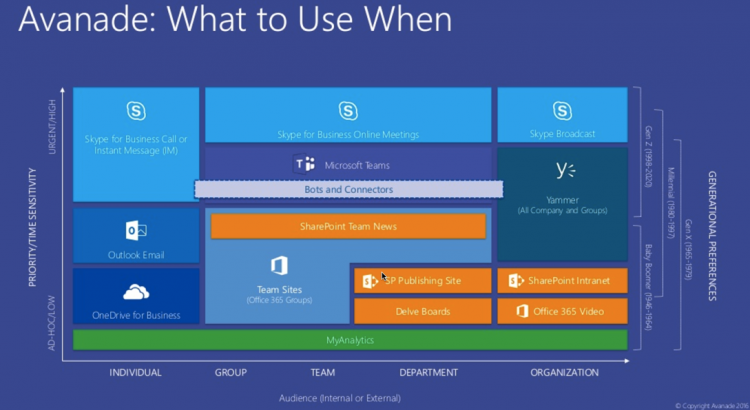
Microsoft Teams Is Here! Presented by Microsoft, Avanade, and AvePoint [Webinar]
http://www.avepoint.com/community/strategy-blog/microsoft-teams-webianr-2016/
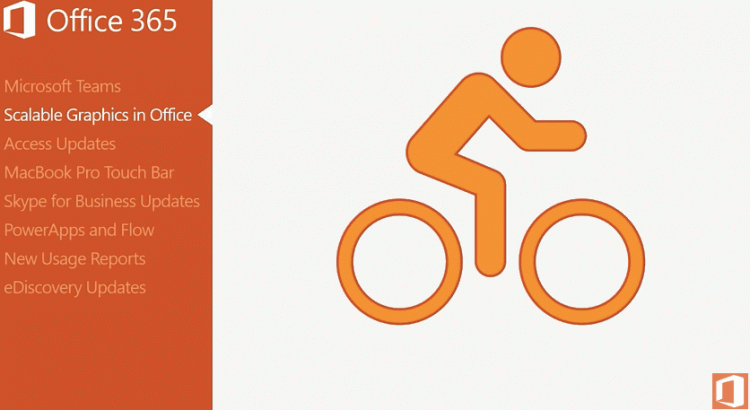
Office 365 Update for December 2016
Jim Naroski covers recent enhancements to Office 365.
The transcript, with resources links, is at http://spo.ms/o365updateresources.
https://www.youtube.com/watch?v=oBD6IBYsxR4
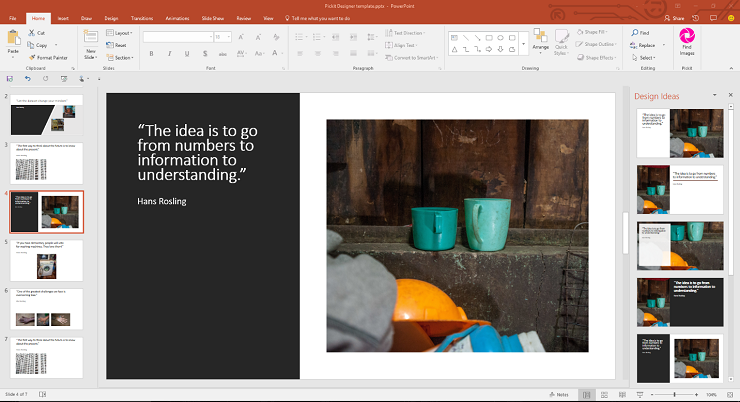
Re-imagine Storytelling with the Pickit Add-in for Office (with PowerPoint Templates)
Now you can get the best in stock photos, icons & illustrations without ever leaving PowerPoint or Word. Download the PickIt Office add-in now: https://aka.ms/nx5irz
http://betterwith.office.com/pickit-microsoft-office-addin
https://www.youtube.com/watch?v=HiZo0LGLpNQ&feature=youtu.be