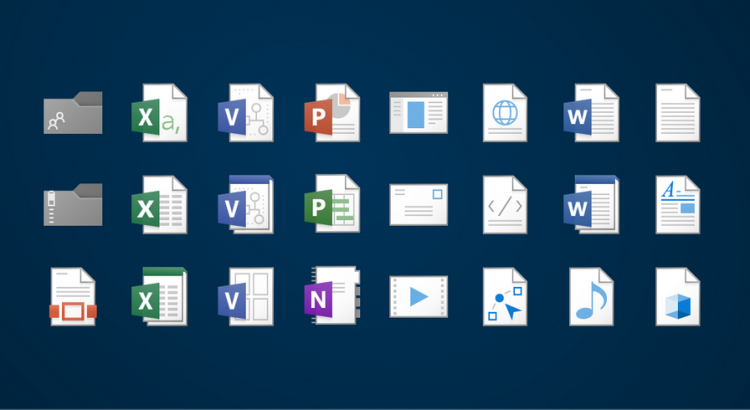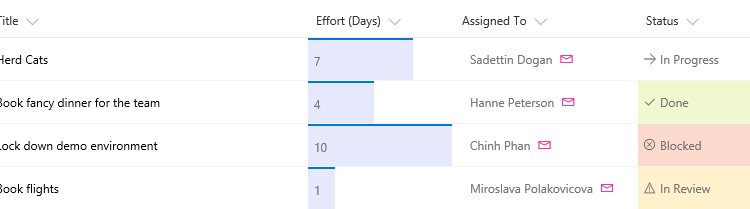
Column formatting is not yet in production. This documentation is in preview and is subject to change.
https://docs.microsoft.com/en-us/sharepoint/dev/declarative-customization/column-formatting
Column formatting is not yet in production. This documentation is in preview and is subject to change.
https://docs.microsoft.com/en-us/sharepoint/dev/declarative-customization/column-formatting
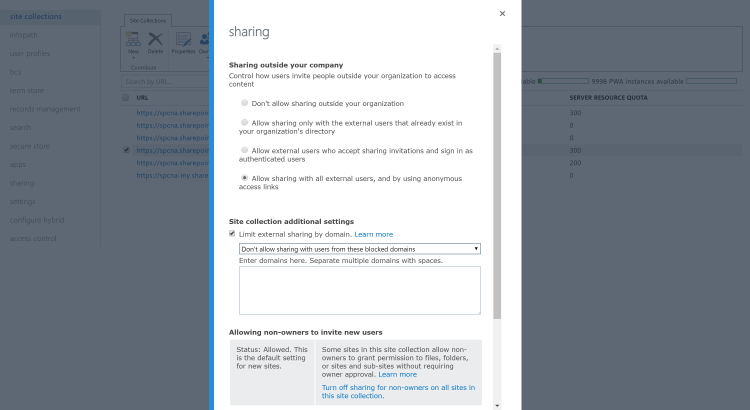
https://blogs.technet.microsoft.com/wbaer/2017/10/11/security-at-the-site-collection-level-in-sharepoint-online/


Announcment of a new experience across web and mobile that makes finding what’s important to you easier, while keeping you better up to date with what is going on with your files. You will see all these changes hit your device and browser before the end of the year.
Source: http://sharepoint.handsontek.net/2017/10/03/whats-new-for-sharepoint-from-microsoft-ignite/
The third edition of Microsoft Ignite occurred from 25 to 29 of September in Orlando, Florida and had 26 000 attendees, for SharePoint it was an amazing week with a lot of new features being announced, if you hadn’t the opportunity to attend the event in this article you will find a resume of the announcements.
SharePoint is growing more than ever and Jeff Tepper made it clear with the announced numbers, over the last 12 months the number of users and organizations that joined SharePoint is higher than the last 12 years. Check down below what will be the features that will continue to bring more users to get on board with the platform.
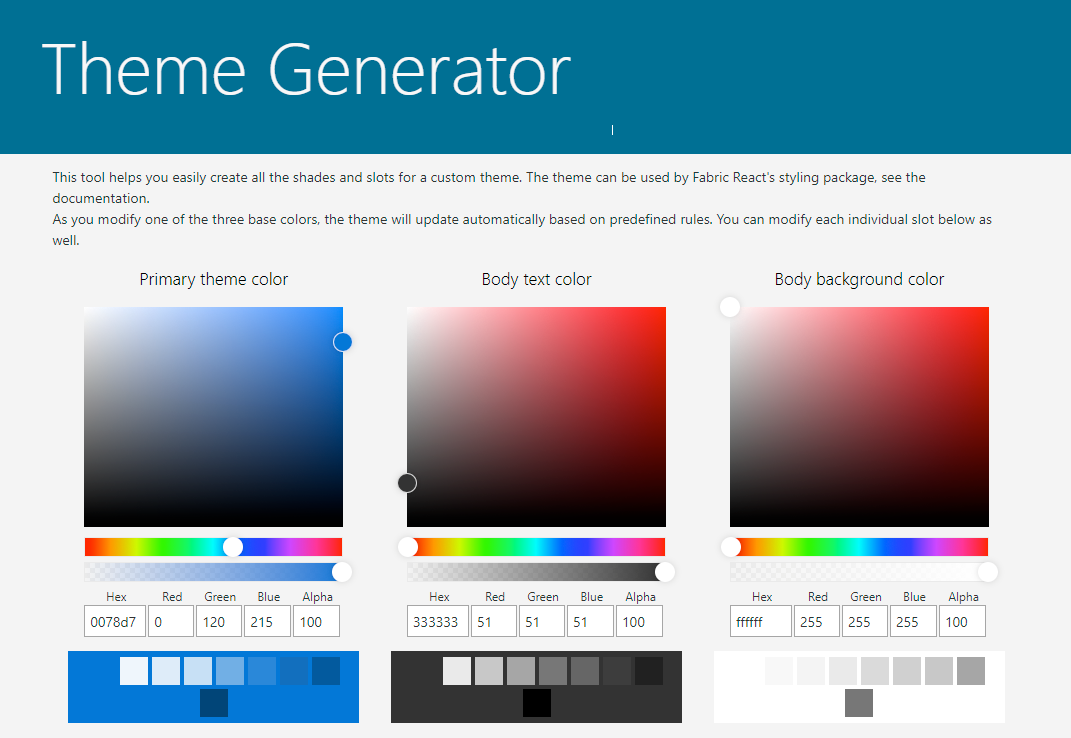
This was the feature that I had higher expectations and unfortunately it didn’t deliver what I was hoping for. Microsoft is running away from heavy customized sites and the new branding options are very limited in total it allows the user to modify and build a color pallet for the site and supports custom fonts.
The branding options are very similar with the change the look introduced with SharePoint 2013, but at least gives the user some level of control in terms of colors.
There is a new tool that can be used to build the new themes available here.
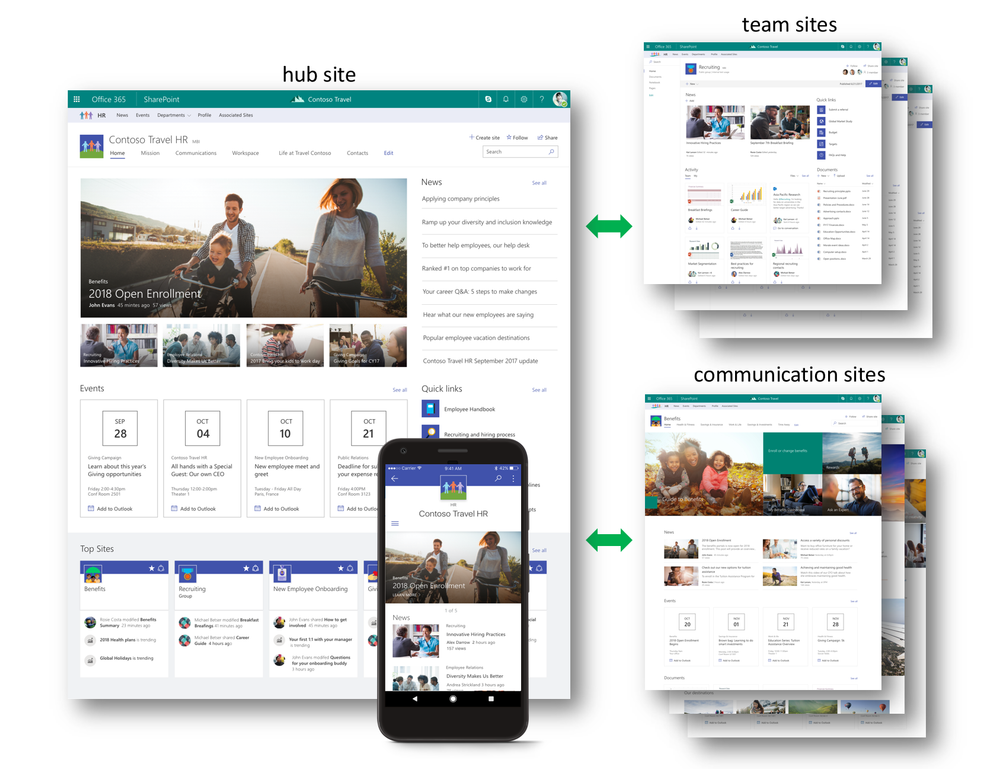
The digital workplace and the company’s structures are dynamic and it can change frequently, with this in my mind Microsoft released the SharePoint hub sites, the new way of organizing your intranet.
The hub provides a common logo, navigation and themes and those are displayed across the hub. It also allows you to easily move sites inside the intranet structure, if a site needs to be moved from department A to department B it will automatically inherit the new navigation, logo and the theme from the new department.
After the creation of the hub site owners can associate existent team sites and communication sites to it, the creation of sites from within the hub will be available soon.
The hub will display a resume of what’s going on all the sites, this way team sites and communication site will push content to the hub home page, namely:
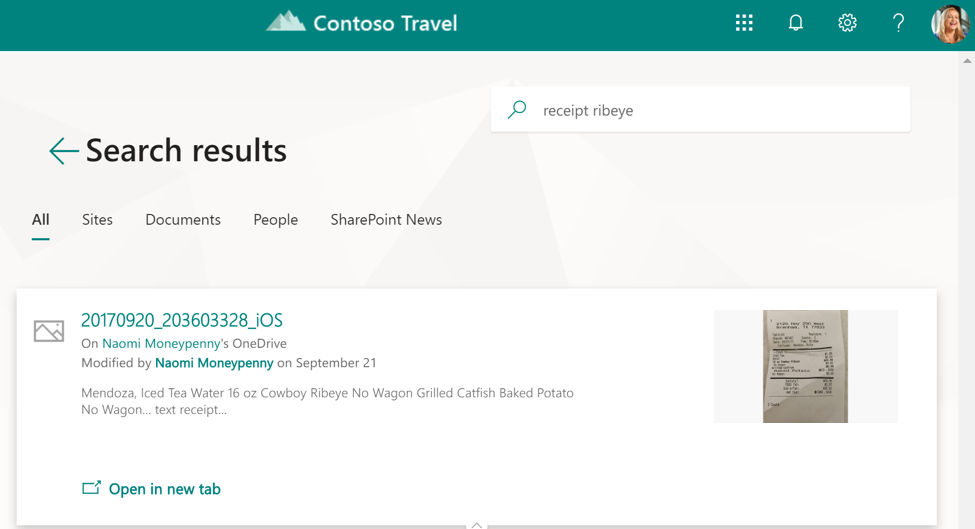
SharePoint Search is becoming smarter and faster, the content is now personalized to the user by Microsoft Graph and brings a new user interface that’s in line with the design of all the modern sites.
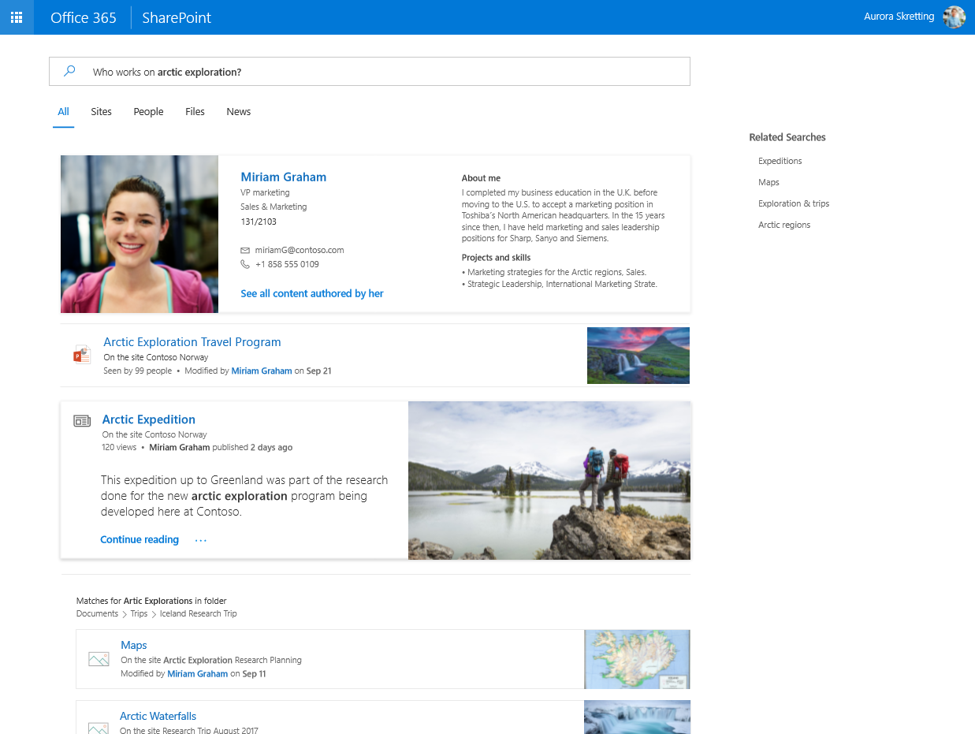
One of the features that impressed me the most is the capability to transform images into findable content. Every time you upload a photo to SharePoint or OneDrive, whether a snap of a whiteboard, a receipt or a business card it will be processed and all the relevant meta data will be extracted and added to the search.
The mobile apps will soon offer the possibility to upload images directly to become searchable.
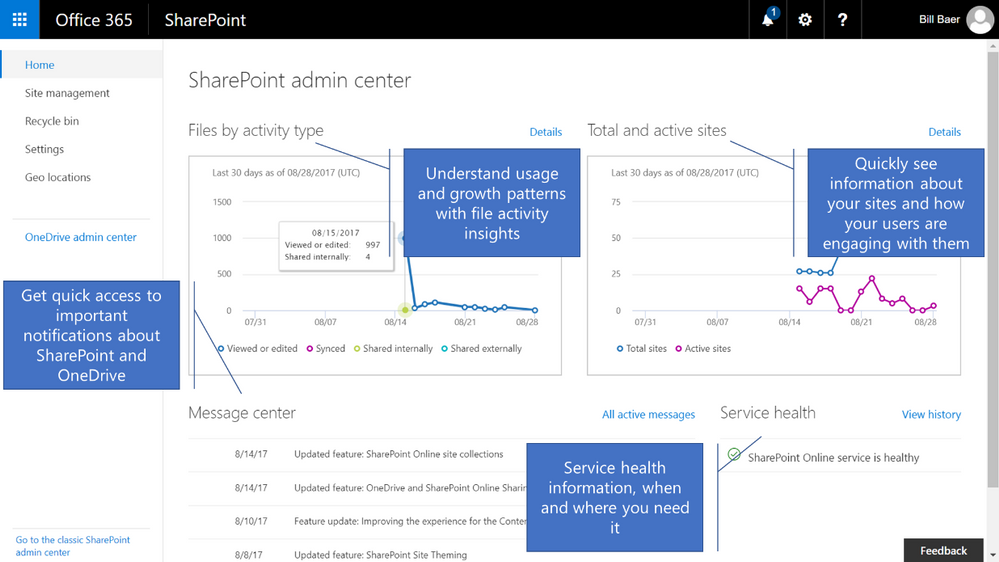
Following the modern site that were designed to be simpler the SharePoint Admin Center will also be renewed with a new interface.
Part of the new admin pages will be:
For now, the old and the new admin center will be both available, for any missing feature in the new model you can easily switch to the old view.
The gallery of new web parts for the modern sites continues to grow and during the ignite there were a few that were shown for the first time to the public:
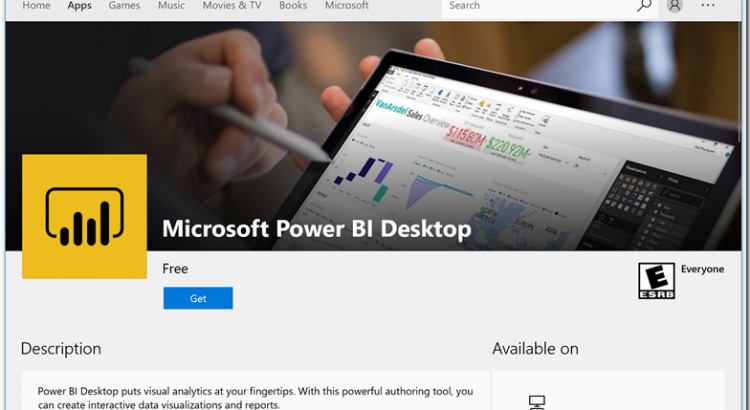
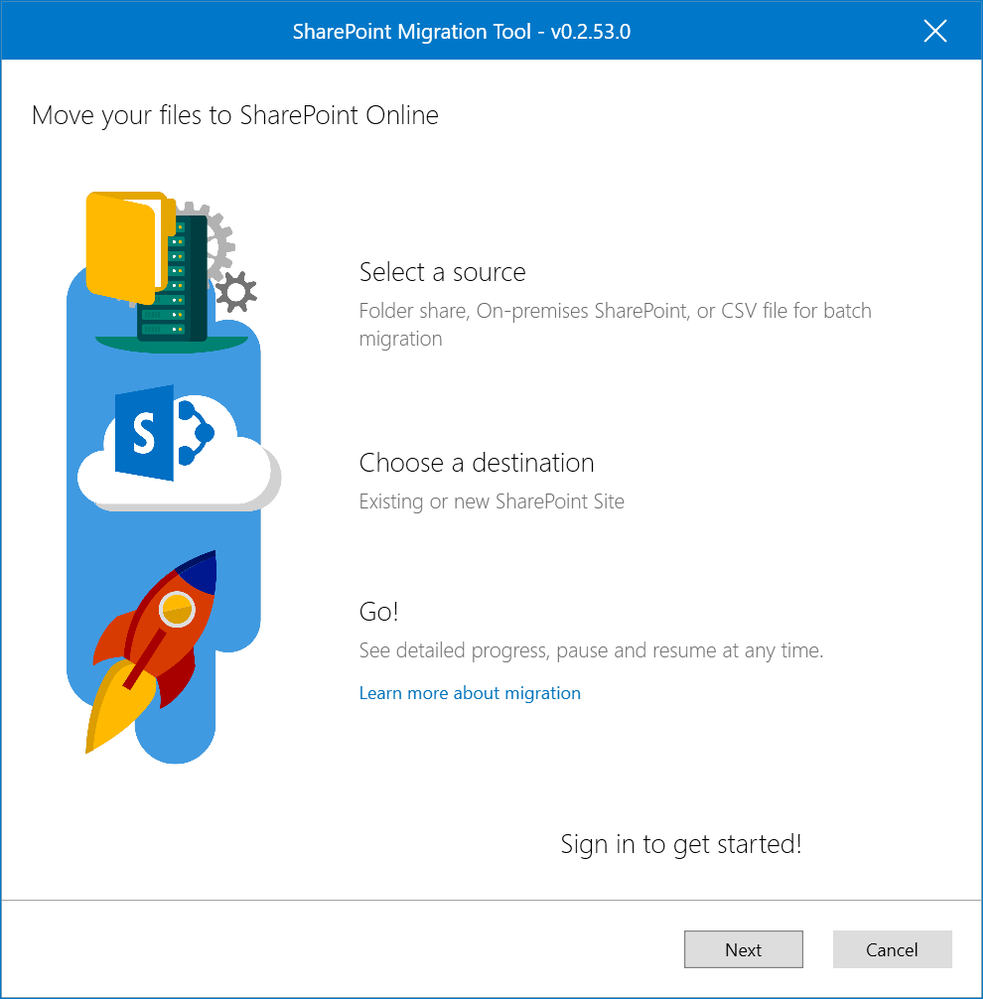
This free tool will help you to migrate content from SharePoint on-premises to SharePoint Online, it was designed to support the smallest migrations to large scale migrations with support for bulk scenarios.
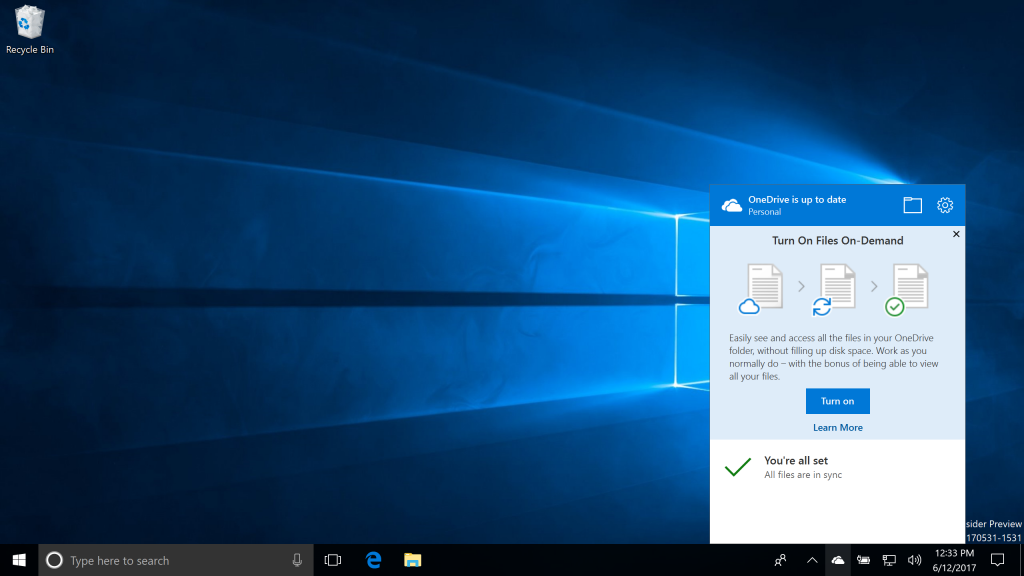
Will be available next month on Windows 10 creator’s update, the One Drive and SharePoint libraries will include reach previews like never and will be possible to preview files that are not part of the Office suite like Photoshop files, Illustrator files and others.
Documents preview for SharePoint and One Drive now supports over 270 different file formats.
It will also allow the user to check the entire folder structure of the libraries using windows explorer without downloading the entire content to the hard drive.
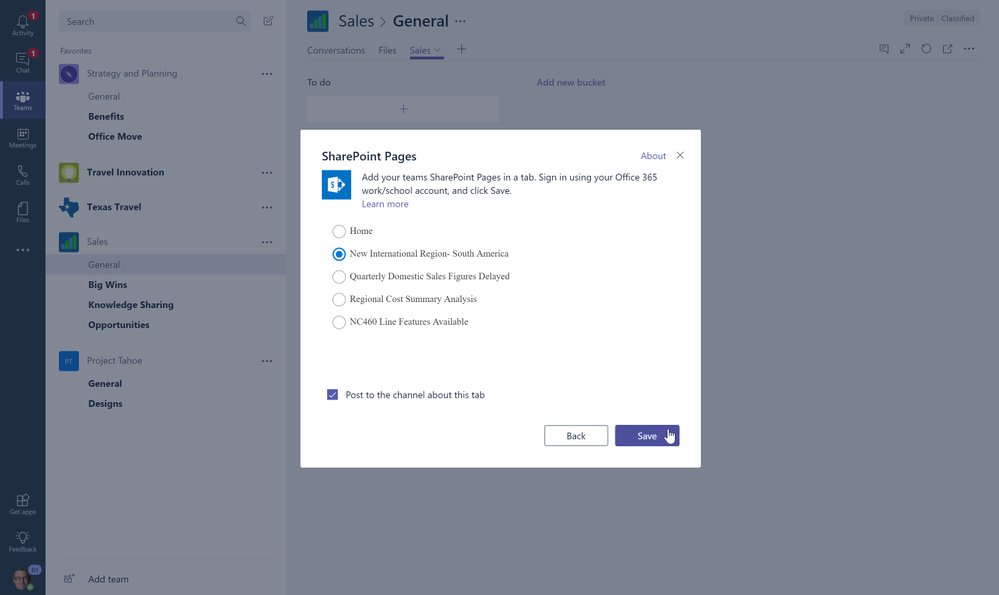
Microsoft Teams is introduced by Microsoft as the hub for Team work where connections and collaboration on projects can be made. Groups inside SharePoint are responsible to make all the content between team members easily sharable.
With the integration of SharePoint and the Microsoft Teams app will be possible to add unique tabs to render SharePoint sites directly inside the app, without the need to open the browser. It’s still SharePoint but it’s easily available for you to use while chatting with your team mates.
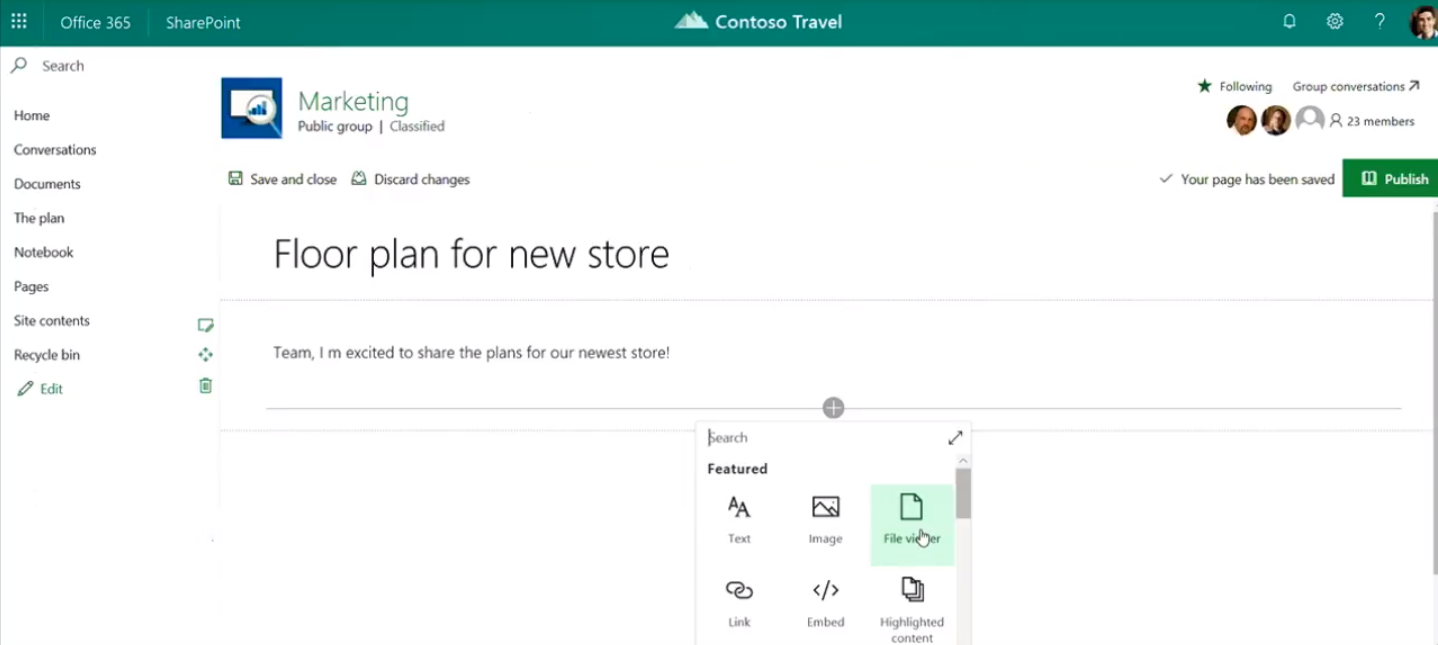
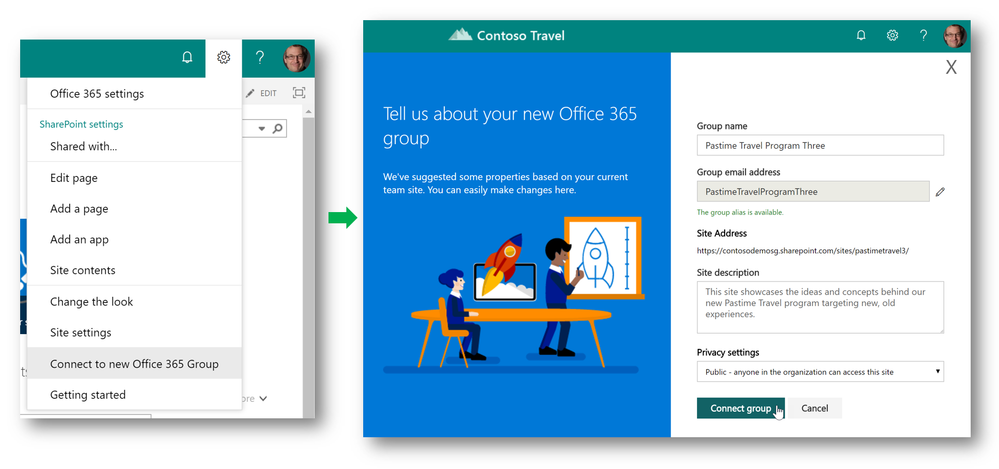
Soon the option to connect existent Team Sites to Groups will be also available, for now it is called Groupify. All the sites moved to a group will keep the content as well as the permissions.
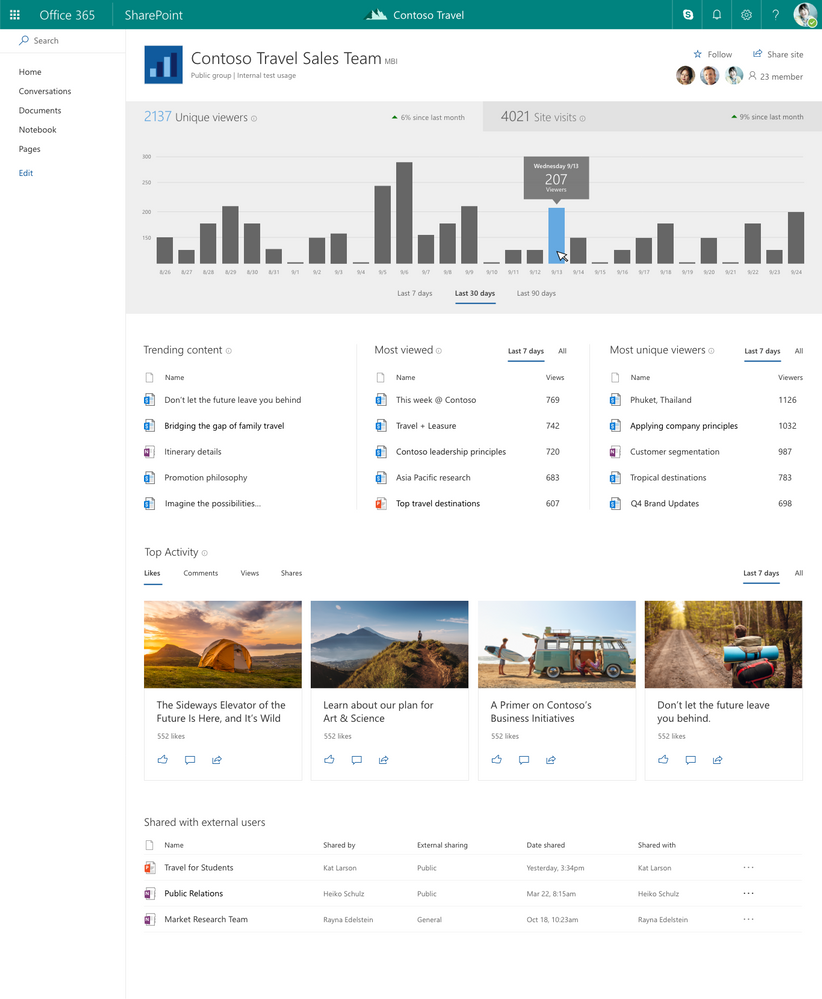
Knowing how your intranet is being used is important to make decisions about new and existent sites, so far Microsoft didn’t provide an option to track the usage of sites and pages and it is common to see google analytics being used for this purpose.
While analytics works fine for the classic experience, for the modern experience things are a bit harder to get deployed to all the pages, that’s why a lot of SharePoint administrators will love this new feature.
In this release Microsoft will include the following indicators:
The stats will be only available for the users with the right permissions to see it.
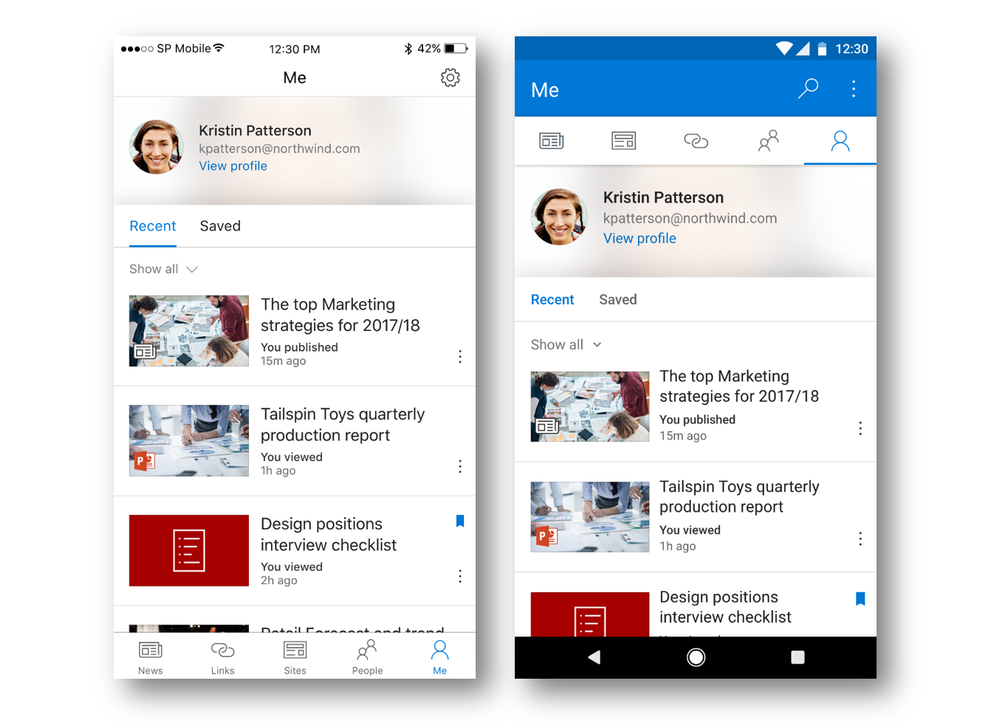
With a new version released during the Ignite is now possible to Save news to read later and there is a new tab called Me where all the information tailored for you will be displayed.
Soon the mobile apps will have support to upload pictures directly from the app to the document libraries, and the content of those pictures will be indexed by the search.
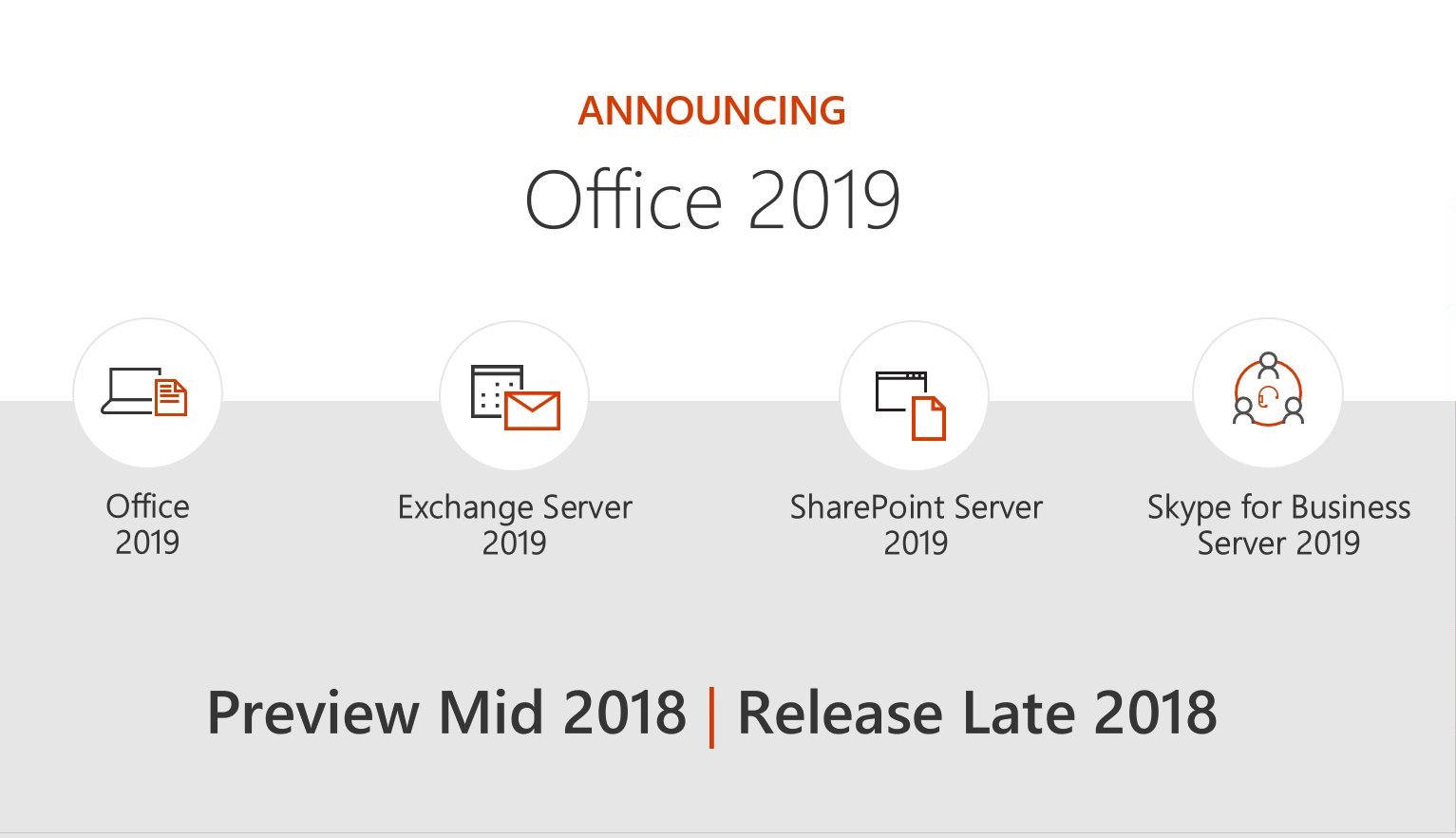
Finally, Microsoft Announced the new version of the SharePoint on-premises and it will be available later next year.
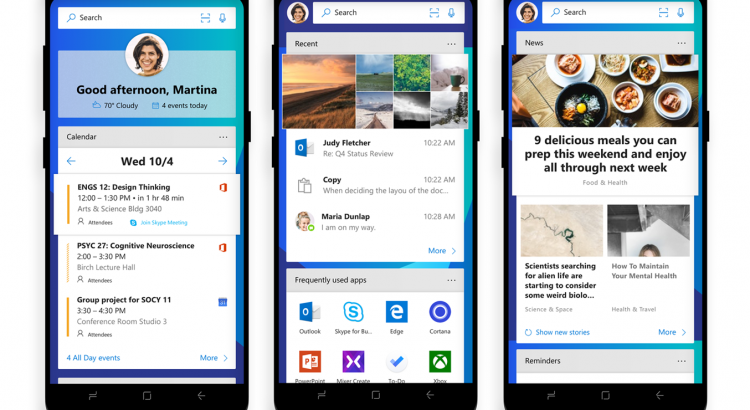
https://blogs.windows.com/windowsexperience/2017/10/05/announcing-microsoft-edge-for-ios-and-android-microsoft-launcher/#GMWsbizL1FB9QiXI.97
https://gallery.technet.microsoft.com/Ignite-2016-Slidedeck-and-296df316
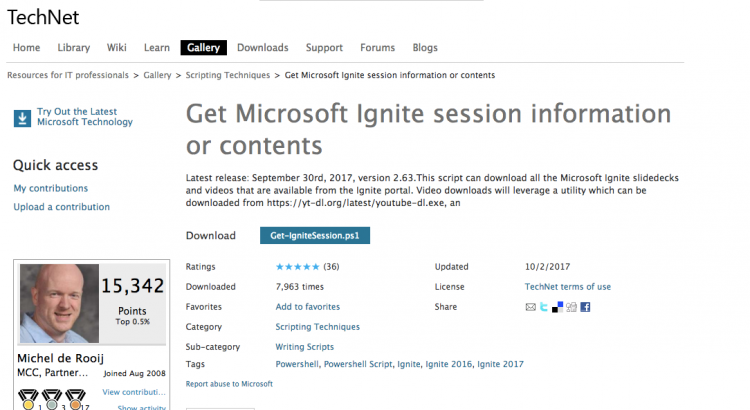
Latest release: September 30rd, 2017, version 2.63.This script can download all the Microsoft Ignite slidedecks and videos that are available from the Ignite portal. Video downloads will leverage a utility which can be downloaded from https://yt-dl.org/latest/youtube-dl.exe, an
https://gallery.technet.microsoft.com/Office-365-Productivity-de7da48a
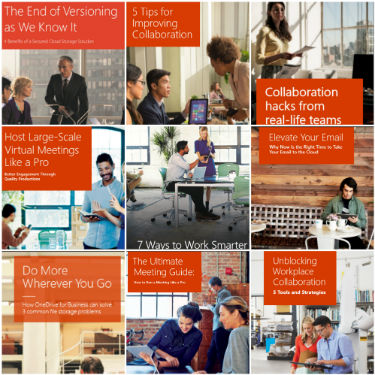
his Microsoft Office 365 Productivity eBooks collection comes with ten official Microsoft eBooks with Office 365 best practices, tips for collaboration and productivity, as well how to adopt new ways of working using Office 365.
Products covered include OneDrive, SharePoint, Microsoft Teams, Skype for Business and much more. See the included document for a complete index and explanation for each eBook.
These eBooks are publicly available direct from Microsoft and are brought together here as a collection purely for convenience and have not been altered in any way.