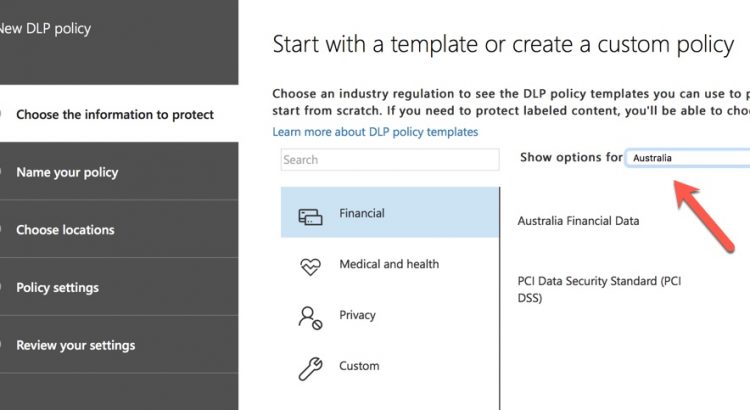
https://practical365.com/compliance/getting-comfortable-data-loss-prevention-policies-office-365/
Auteur: Marcel
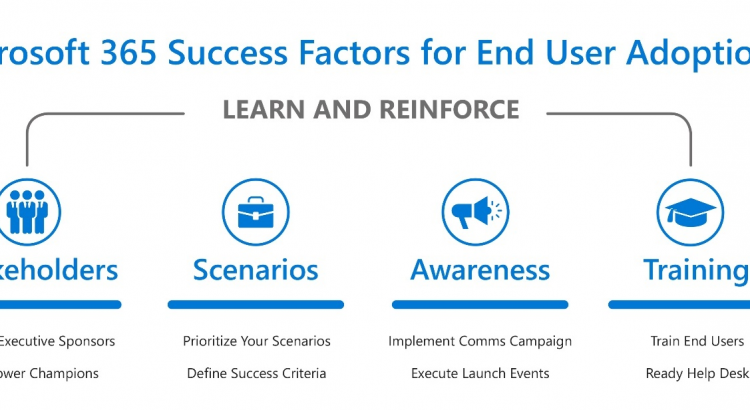
Four Success Factors for Driving Microsoft 365 Adoption
..Welcome to our blog series about the four success factors for driving Microsoft 365 adoption. In this series I will share insights from our most successful customers, Microsoft and 3rd party research, and proven best practices, about how to be successful with Microsoft 365.
Part 1: Four Success Factors for Driving Microsoft 365 Adoption
Part 2 Recruit key stakeholders to help with your adoption
Part 3: Identify business needs and prioritize Microsoft 365 scenarios
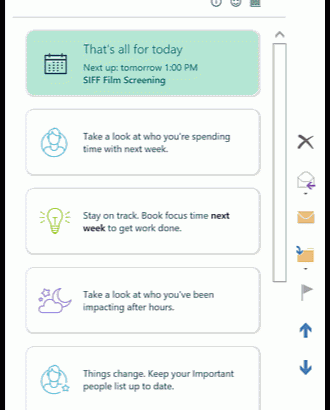
New in MyAnalytics: See your after-hours impact on co-workers
MyAnalytics now shows you the after-hours impact you impose on co-workers

Microsoft Teams – Interactive Demo
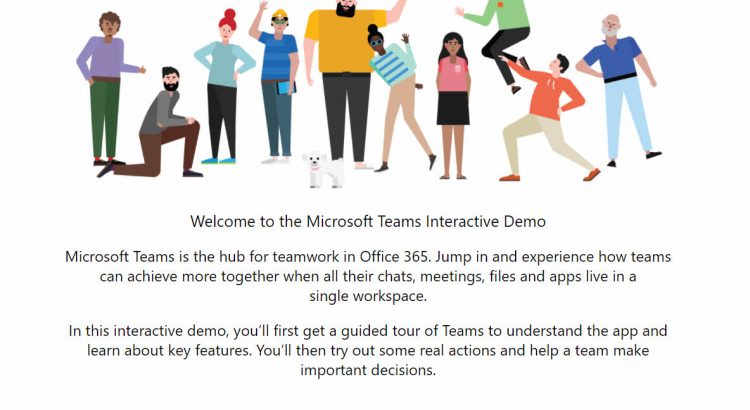
Welcome to the Microsoft Teams Interactive Demo
Microsoft Teams is the hub for teamwork in Office 365. Jump in and experience how teams can achieve more together when all their chats, meetings, files and apps live in a single workspace.
In this interactive demo, you’ll first get a guided tour of Teams to understand the app and learn about key features. You’ll then try out some real actions and help a team make important decisions.
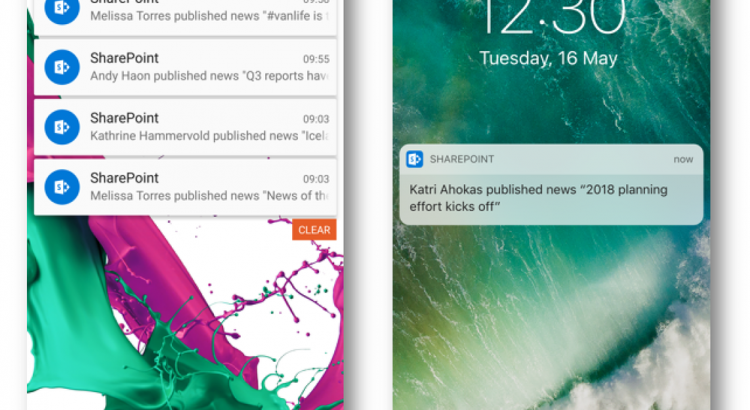
SharePoint mobile notifications keep you up-to-date
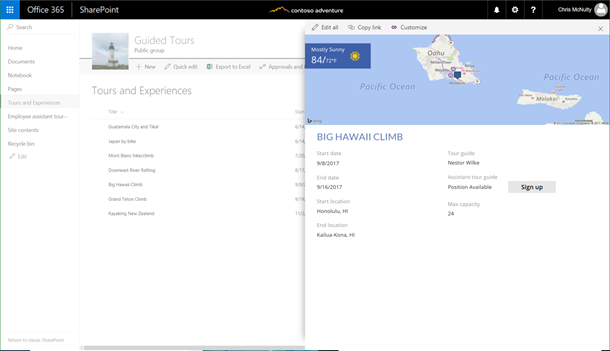
Announcing availability of custom forms, multi-value choice and read-only attachments support for SharePoint with PowerApps
https://powerapps.microsoft.com/en-us/blog/custom-form-launch/
enabling support for multi-value choice, lookup, and person column types, and read-only support for attachments in PowerApps.
Note: These changes are rolling out incrementally for SharePoint First Release tenants and are not generally available from SharePoint yet. So, if your tenant is already on first release, you should already have them and if your tenant is not on first release, to enroll please follow the instructions here.
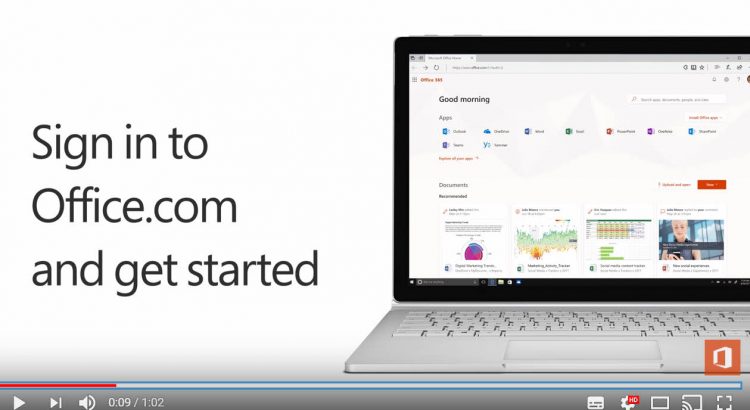
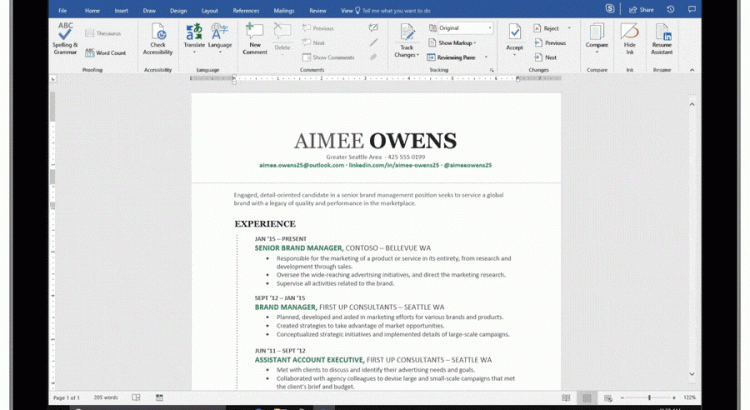
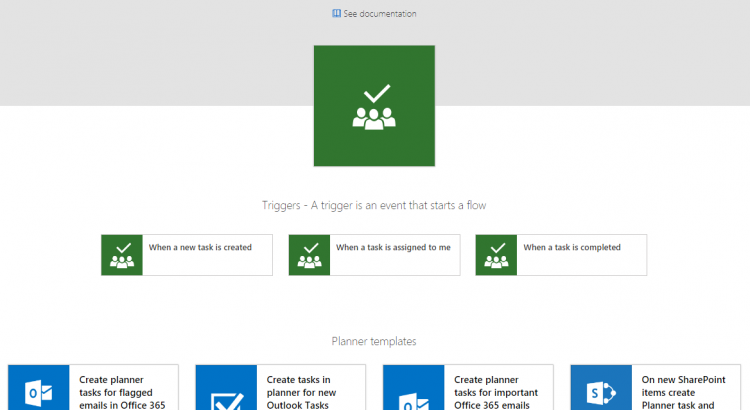
Triggers for Microsoft Planner, actions for SharePoint attachments, and other connector improvements
https://flow.microsoft.com/en-us/blog/planner-triggers-connector-improvements/
Planner triggers
One of the top-voted requests on the Ideas forum is for us to add triggers for the Microsoft Planner connector. This week we are announcing three new triggers:
- When a new task is created – pick a plan and any new tasks in that plan will trigger the flow. Use this trigger if you want to sync a plan with another data source, like SharePoint Online.
- When a task is assigned to me – trigger a flow whenever a task is assigned to you – this way you could create an item in Wunderlist or Outlook Tasks.
- When a task is completed – whenever an task is closed in a plan, the flow will run. You can use that to mark items in other services as completed, or just send a notification out.
Continue reading .. -> https://flow.microsoft.com/en-us/blog/planner-triggers-connector-improvements/