Read on to learn about three of these improvements: Estimated Time, the Insights button, and Word Clouds.

Source: Three New Intelligence and Insights Features from Microsoft Forms | April 2021
Read on to learn about three of these improvements: Estimated Time, the Insights button, and Word Clouds.
Source: Three New Intelligence and Insights Features from Microsoft Forms | April 2021
Source: My life at Contoso Inc.
The one constant: it is easy to learn more about people – be it when impersonating them for a demo, or truly discovering a real colleague – to learn more about them based on who they work with and what they work on.
This article digs into numerous people experiences throughout Microsoft 365 and the benefits of “discovery through others.” We are who we are in Microsoft 365, so let’s find out what value, what White Whale, that brings at each turn of the app, in every nook of the service.
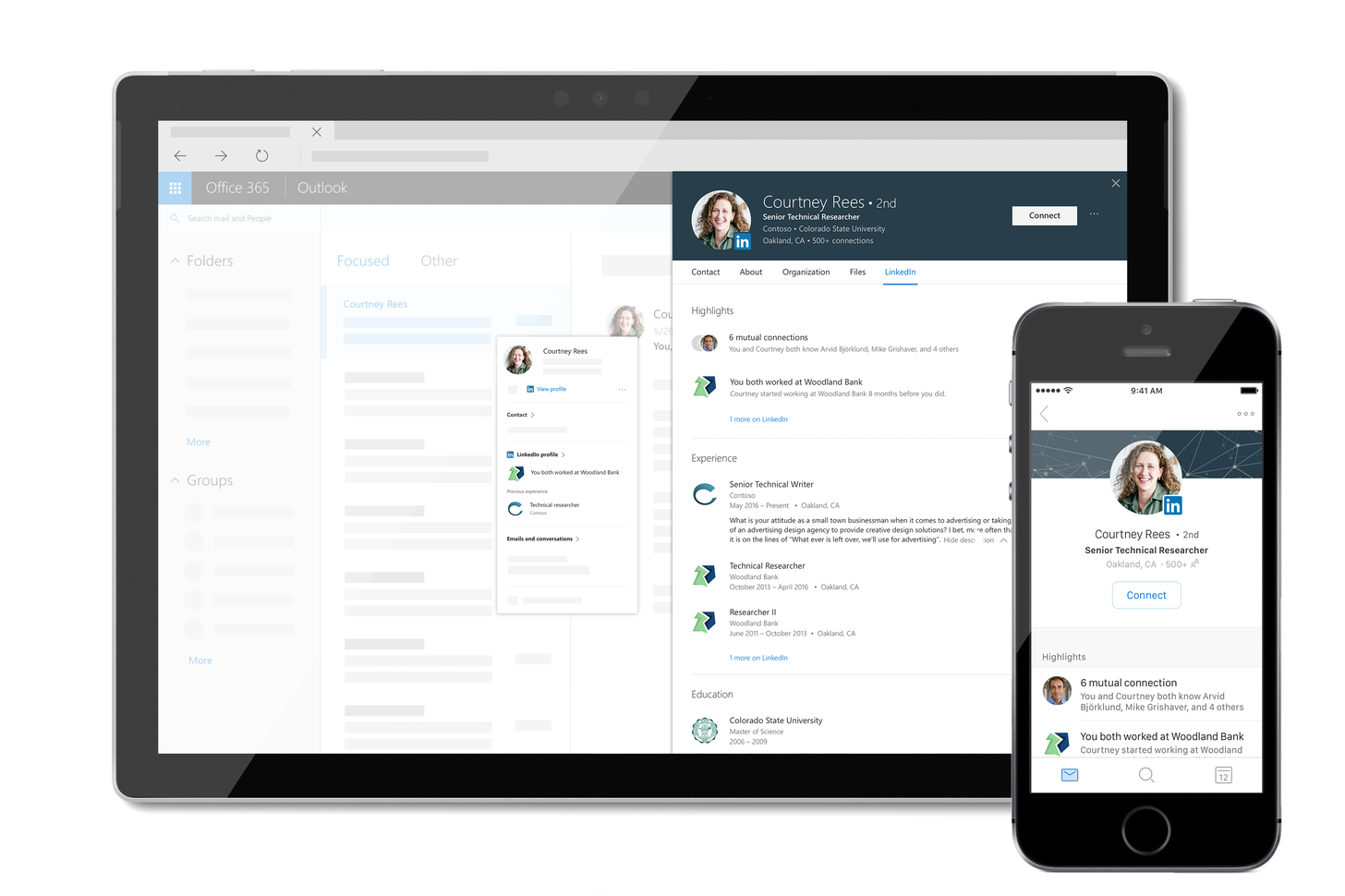
The life and times of Megan Bowen (and her profile in Microsoft 365)
Source: My life at Contoso Inc.
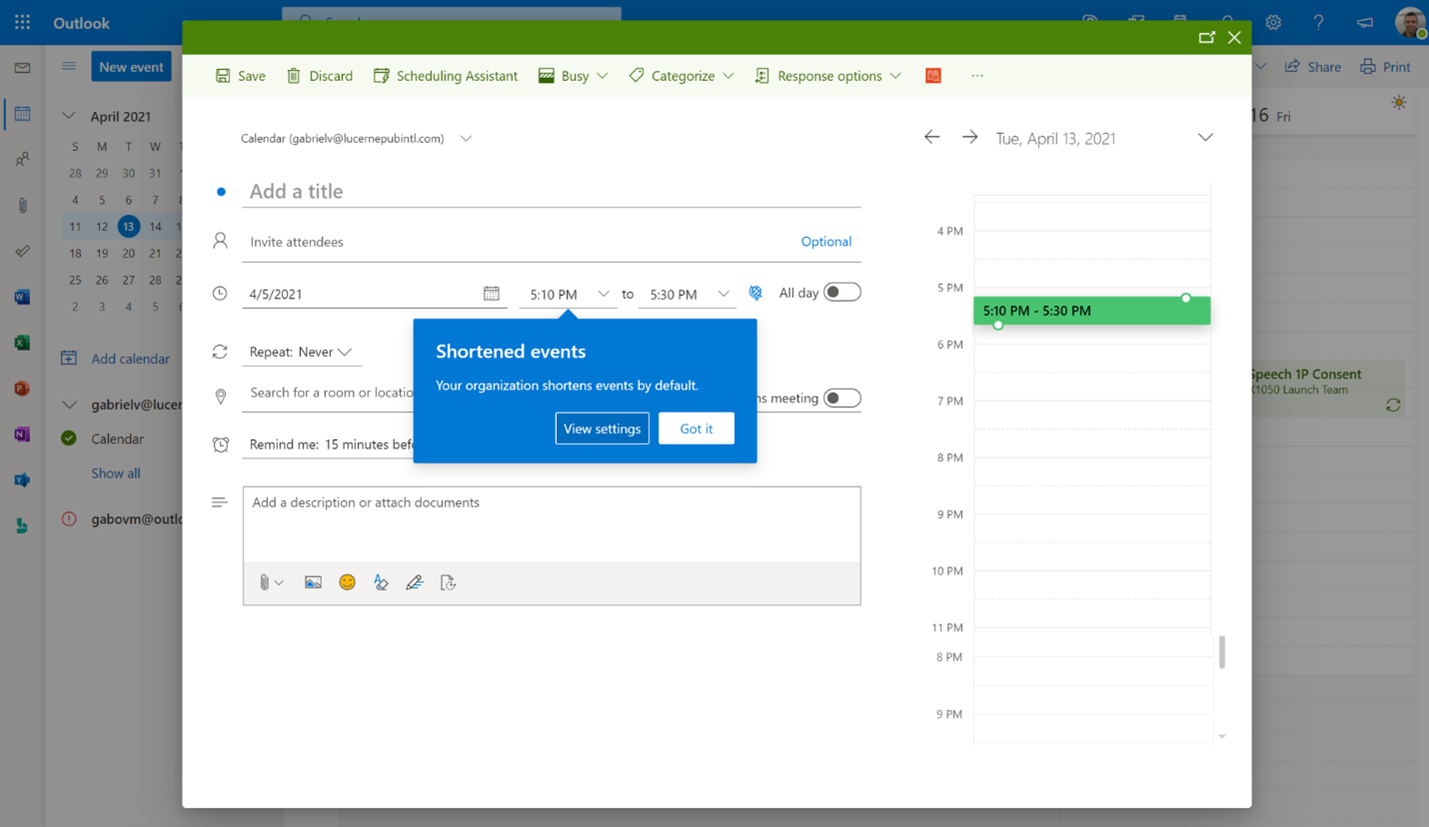
One thing is certain: hybrid work is the future of work. People want increased flexibility and a blended work model that grants them the freedom to work when and where it’s most comfortable for them. Hybrid work can deliver a future that people want and a future that I think will be better—but that doesn’t…
Source: Research shows your brain needs breaks—Outlook and Microsoft Teams can help – Microsoft 365 Blog
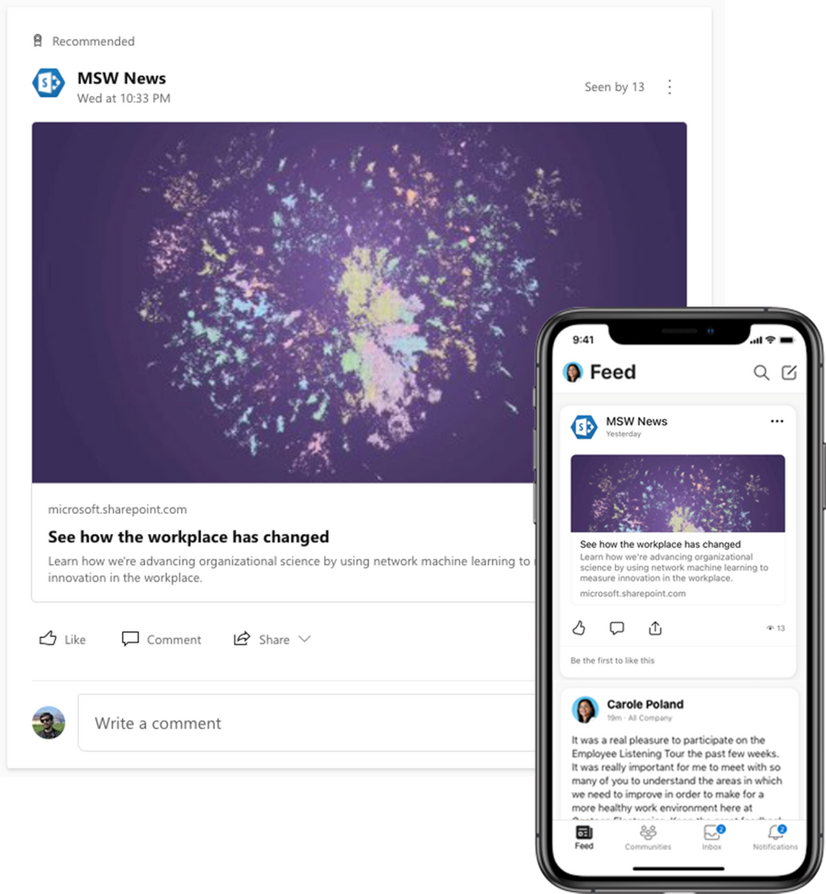
Spark conversations and share company news directly from SharePoint to the Yammer home feed. This is now available on iOS and Android mobile experiences and coming soon to the web.
But there is more.. read it at the source: What’s new for Yammer in April 2021
Working with images throughout your intranet
This article explores numerous ways you can enhance your communications – all within reach – to tell stories within stories, to speak volumes to your colleagues. Use images throughout your intranet sites, pages, news and lists to visually enhance all – no matter the word count.
Once you know a few image hows and whats across Microsoft 365, then, it’s a snap.
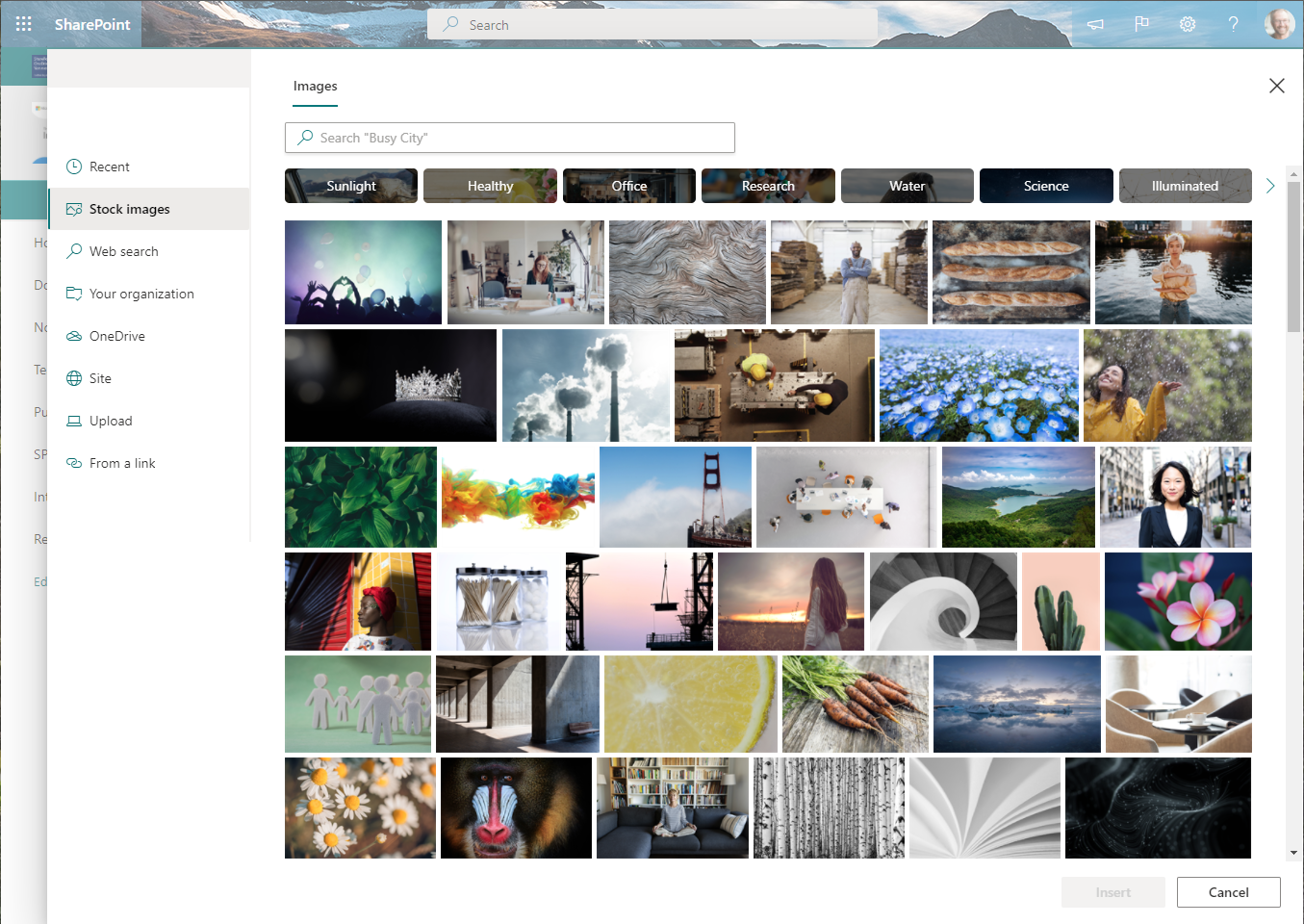
Spice up internal communications with a variety of photo experiences
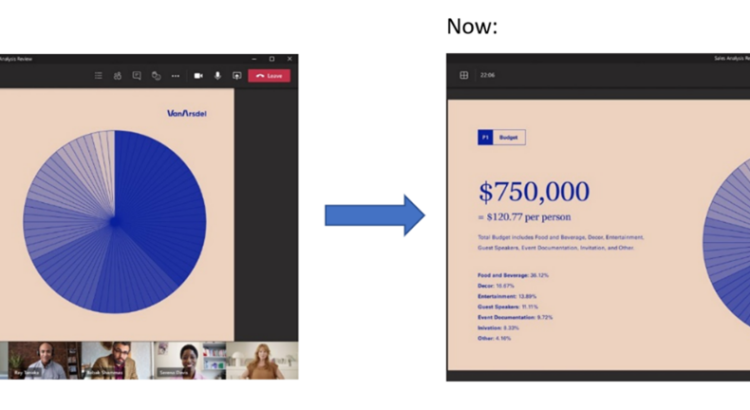
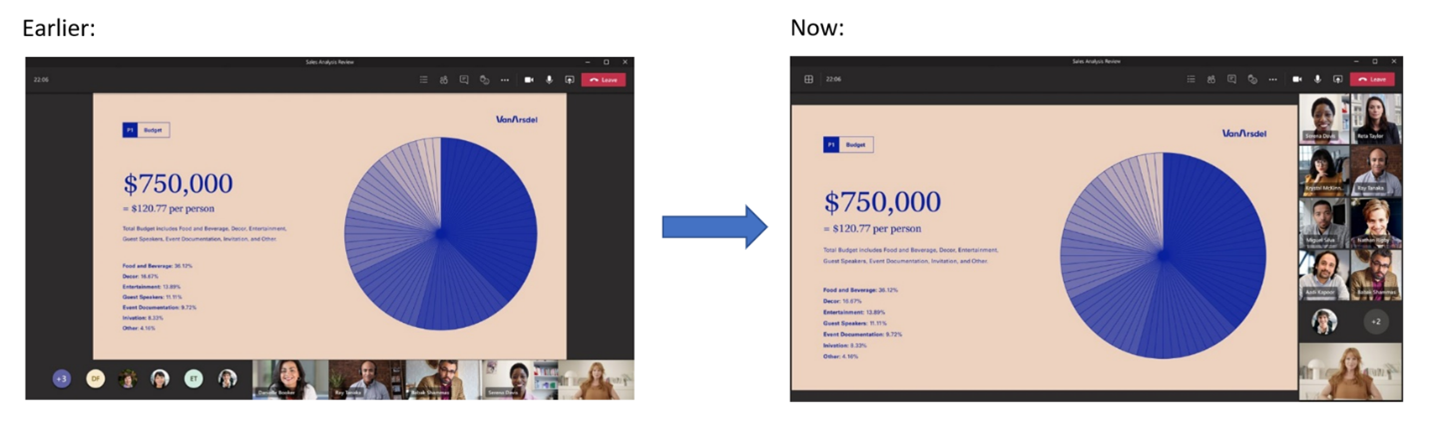
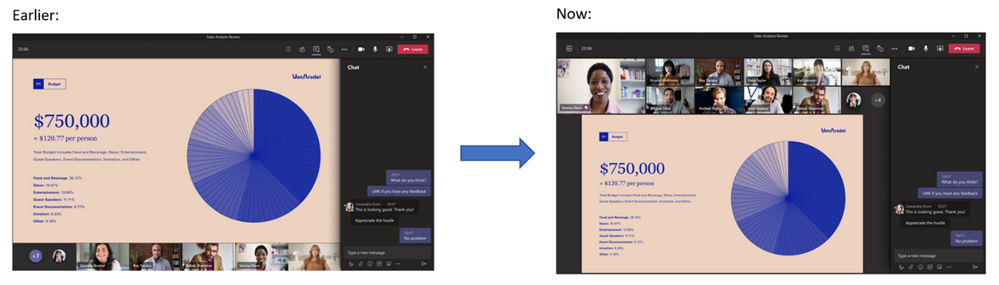
“We have redesigned the meeting stage in order to optimize your experience of consuming shared content and engaging with video and audio participants. Dynamic View ensures that important items like audio/video thumbnails, content, pins/spotlights are shown as large as possible on your screen by smartly moving and resizing them based on the scenario.”
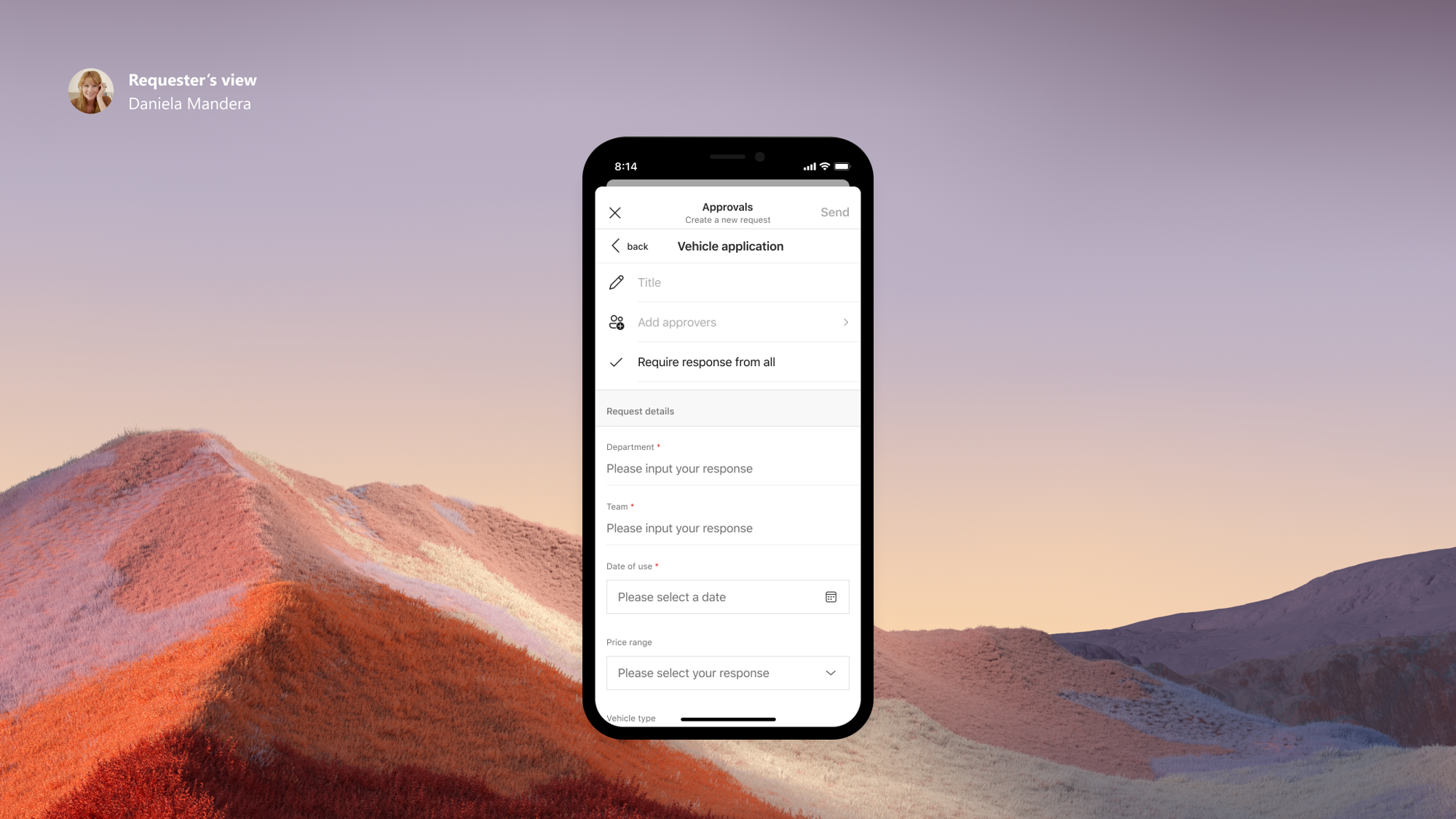
In this blog post, we are excited to share how Microsoft Forms powers Approvals templates in Microsoft Teams, an important product for frontline workers to do their job. With Hannover Messe 2021 Digital Edition taking place this week, we shared our outlook on the future of hybrid work and the frontline in manufacturing, in which Approvals templates plays a part. We are grateful to contribute to Microsoft’s work with digital transformation in industries like manufacturing.
Source: Microsoft Forms Powers Approvals Templates in Microsoft Teams, and other updates | April 2021
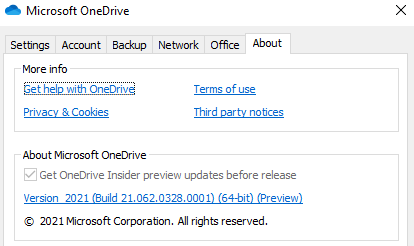
“..When the 64-bit OneDrive is generally available, your device will be automatically updated to 64-bit if it meets the requirements. There won’t be a system notification, but you can follow the roadmap and release notes to see when it’s released..”
Source: OneDrive sync 64-bit for Windows now in public preview
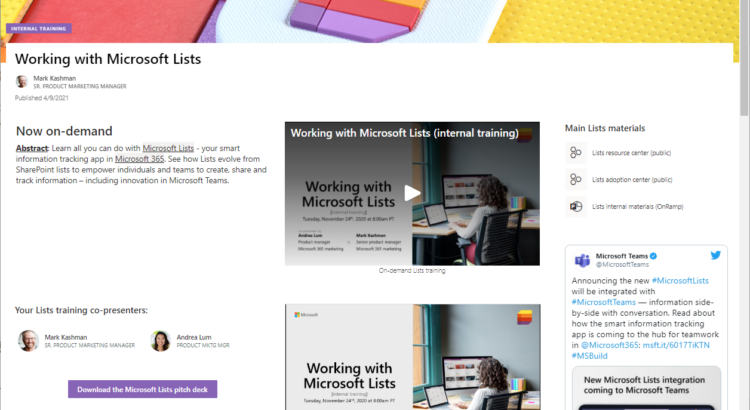
Solution blog + ‘how to’ video:
“Use SharePoint pages for on-demand training” – content-rich, mini-dashboards.
Source: Use SharePoint pages for on-demand training – The KashBox
Did you know that there is a large library of Microsoft Teams video training available for you to use free of charge!
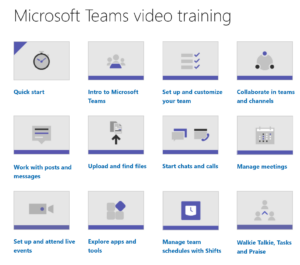
Source: Microsoft Teams video training – Office Support
Also available in localized content: Video Training (dutch)